Airbnb Desk Photos Lie: What 40+ Stays Teach Remote Workers
By: Evgeny Padezhnov
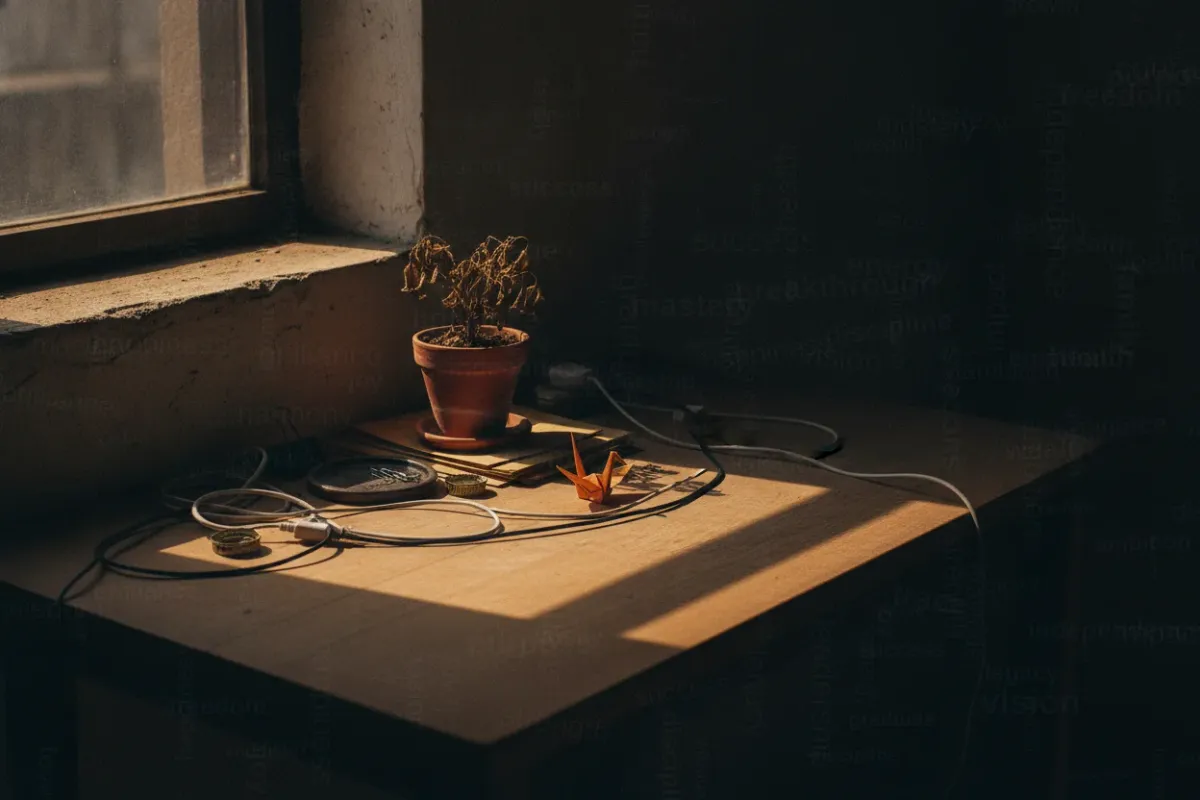
After 40+ Airbnb stays in two years, one photo keeps failing the reality check. It is the desk.
The kitchen usually matches. The bed is usually the bed. But the bright corner with a clean desk, a plant and a laptop is rarely what the guest finds on arrival. For a tourist that is a minor letdown. For a remote worker it ruins the week: back pain, glare on the screen, no outlet within reach.
This article explains why the desk photo misleads so often. It also gives a concrete verification routine before booking, an arrival protocol, and a section for hosts who want photos that survive contact with guests.
Why the desk photo is the weakest image in the gallery
A desk photo is a staging shot. It has one job: to signal "you can work here" in a fraction of a second. It is not meant to answer whether the guest can work there for eight hours.
The incentives favor clicks, not accuracy
Listing photos directly drive revenue, and hosts know it. According to Autorank, a 2016 Airbnb study found that listings with professional photos earned 28% more bookings. The same study reported 26% higher nightly rates and 40% higher overall earnings. OptimizeMyBnb cites a 2.5x higher booking rate for professionally photographed listings.
The platform adds pressure. OptimizeMyBnb notes that a listing with many views and few reservations gets treated as low quality. It then drops to the bottom of search results. PriceLabs makes the same point from the other side: Airbnb search increasingly rewards engagement.
In plain terms: a host earns money from the click. The guest's working comfort is not measured anywhere in the funnel.
Lighting tricks hit the desk hardest
Desks sit next to windows in photos because window light looks good. PriceLabs describes HDR photography as combining multiple exposures to balance bright and dark areas. That technique lets a photographer show a sunny window and a well-lit desk in one frame.
Real eyes and real laptop screens do not work like HDR. A bright window behind or beside a screen creates glare and backlighting. The photo hides the exact problem the guest will face at 2 p.m.
Phixer lists overedited HDR and blown-out windows among the common photo mistakes. In its words, overedited HDR makes a space "look fake and discourages trust." Its blunt summary: "No one wants to get catfished on a short term rental."
Generated and edited images make it worse
Editing tools now go beyond exposure. Remio uses a direct example. A traveler books a small apartment because the pictures show a desk beside a bright window. If AI added the desk or expanded the space, the alteration changed a functional purchasing decision.
Reverse image search does not solve it. Remio points out that matching works poorly when software creates an image that never appeared online. A genuinely new photo and a newly generated image both lack prior appearances. No match is inconclusive.
Staging drift: the desk was real once
Most misleading desk photos are not deliberate. They are old.
Rapid Eye Inspections calls the cause "staging drift." It describes hundreds of small, individually invisible changes across many turnovers and cleaners. Those changes compound until the property has quietly wandered from its original setup. The examples are mundane: throw pillows go from five to three, wine glasses from six to four. Nobody replaces them because nobody knows the original count.
Desk setups follow the same pattern. The office chair migrates to the dining table. The desk lamp breaks and never returns. A monitor shown in the photo leaves with a previous co-host. The desk itself gets pushed into a darker corner to fit a second bed.
Key point: a listing photo documents the property on shoot day. It says nothing reliable about the property this week.
What a desk photo cannot tell a remote worker
A photo answers "is there a flat surface?" Remote work needs answers to different questions:
- Desk height. Dining tables and console tables often pass as desks in photos. Standard desk height is roughly 71–76 cm; decorative tables vary widely.
- Chair type. A dining chair or a stool works for an hour, not a workday.
- Desk depth. A shallow console fits a laptop but not a laptop plus keyboard plus external monitor.
- Outlet location. The photo rarely shows the wall below the desk.
- Wi-Fi quality at the desk itself. The router may sit two rooms away behind a concrete wall.
- Stability. Wobbly tables shake video calls.
- Light and glare at the hours the guest actually works.
- Noise. Street-facing windows look great and sound terrible during calls.
The gap grows with the workflow. A developer running a full AI IDE stack with multiple panels and an external display needs real desk depth and stable power. A writer with a laptop needs far less. The requirement list should match the actual work, not a generic "workspace" checkbox.
Verify before booking: a four-step routine
Step 1: Read the gallery like an inspector
Look at how the desk appears across the whole gallery, not only in its hero shot.
- Does the desk appear in any wide room shot, or only in one tight crop?
- Is the same chair visible at the desk in every image?
- Does the room layout in the desk photo match the floor plan implied by other photos?
- Does the window look blown out or unnaturally even? That suggests heavy HDR.
A desk that exists only in one close-up crop deserves suspicion. Real desks usually show up in the background of other shots.
Step 2: Cross-check outside Airbnb
Remio recommends two practical checks. First, search the property's visible features separately: building exterior, a neighborhood landmark, a business across the street. Second, compare the listing across other legitimate booking sites. Look for alignment in room names, amenities, capacity and image order.
In practice, a different photo set on another platform is useful evidence. An older gallery elsewhere can show where the desk actually stood before restaging.
Step 3: Send the host a specific message
Vague questions get vague answers. Specific questions get honest answers or revealing silence.
Hi! Planning to work remotely during the stay, ~8 hours a day.
A few quick questions about the desk in photo #N:

1. Is this desk and chair currently in the unit, in the same spot?
2. Is the chair an office chair or a dining chair?
3. Approximate desk height and depth (cm)?
4. Is there a power outlet within reach of the desk?
5. Could you share a recent speed test taken AT the desk?
6. Does the window face the street?

A current phone photo of the desk from the same angle
as the listing photo would help a lot. Thanks!
Keep the conversation inside the Airbnb app. Remio notes that Airbnb's safeguards encourage guests to communicate and pay inside the platform. The message thread also becomes evidence later.
Common mistake: asking "Is the place good for remote work?" Almost every host answers yes. Measurable questions (height, chair type, outlet, speed test) are much harder to answer with a polite yes.
Step 4: Ask for a current photo, using Airbnb's own standard
Airbnb itself defines what an accurate verification photo looks like. Its help article on photo verification sets several rules for hosts:
- Hosts visit the listing in person and take new photos in the Airbnb app.
- Existing photos from a camera roll cannot be uploaded.
- Photos should be taken from the same perspective as the listed photo, such as the same corner of the bedroom.
- Airbnb explicitly advises against hiring a professional, since guests never see these images.
Guests cannot force a host through that flow. But they can ask for the same standard: a fresh phone photo, same angle as the listing image, taken today. A host who sends it quickly is usually a host whose desk exists. A host who sends an old professional shot has answered the question too.
The first hour on arrival
Arrival is the moment to document, before unpacking or moving furniture.
- Photograph the desk area from the same angle as the listing photo.
- Photograph the chair, the outlet situation and the view from the seat.
- Run a speed test at the desk and screenshot it.
- Compare everything against the listing, item by item.
Timing matters. Rapid Eye Inspections cites AvantStay on report windows. Airbnb gives guests 72 hours to report a substantial gap between the listing and arrival, potentially for a full refund. Vrbo gives 24 hours and puts explicit emphasis on photographic evidence.
Be realistic about outcomes. A dining chair instead of an office chair may not count as a "substantial" gap. A missing desk advertised as a workspace has a stronger case. No outcome is guaranteed, and the review decision belongs to the platform. Message the host first, inside the app, with photos attached. Many hosts fix a missing chair or lamp within a day.
A small travel kit covers most minor gaps: a laptop stand, a compact keyboard, an extension cord. It cannot fix a 60 cm table or a router in another room. Those problems need to be caught in Step 3.
For hosts: desk photos that book and hold up
Hosts lose too when the desk photo misleads. A remote worker who books for a month and leaves a bad review costs more than one lost click.
Shoot the workspace as a working space
BNB Mastery recommends giving the photographer a detailed shot list in advance, covering every room and amenity. Add the workspace explicitly to that list. Include at least one wide shot showing the desk in the room context. Shoot one image from the seated position, at eye level.
PriceLabs advises consistent brightness, color temperature and contrast across all images. The same guidance applies here: a desk shot far brighter than the rest of the gallery looks staged, because it is. For technical specs, Autorank lists a minimum of 1024 x 683 pixels, a 3:2 aspect ratio and a 30 MB file limit.
Fight drift with a reset state, not reshoots
Rapid Eye Inspections argues that reshooting is the wrong fix for a portfolio. Hosts cannot reshoot every unit each quarter, and reshooting concedes the drift. Its alternative: define a canonical reset state and pull every turnover back toward it.
For the workspace, that reset state can be a short checklist for cleaners:
workspace_reset:
  desk:
    location: "left of bedroom window, as in listing photo #7"
    surface: "clear, wiped"
  chair: "office chair, height-adjustable (1)"
  lamp: "desk lamp, working bulb (1)"
  power: "extension cord, 4 sockets (1)"
  wifi_card: "network name and password card on desk (1)"
  check: "photo from listing angle after each turnover"
Counts matter. Rapid Eye's examples show items vanish because nobody knows the original count. A written count turns "missing chair" from invisible to obvious.
What to try right now
Try it: copy the host message template above into a notes app. Before the next booking, send it to the host and ask for a fresh desk photo from the listing angle. If the answer is vague or the photo is old, keep searching.
Frequently Asked Questions
Can virtual staging misrepresent an Airbnb listing?
Yes, when it adds or changes functional features. Remio's example is a desk added beside a window in a small apartment. That edit changes a purchasing decision, not just the mood of the photo.
Which photo edits preserve an accurate view of the rental?
Exposure correction, straightening crooked angles and moderate color balancing keep the room honest. Phixer and PriceLabs both warn against overedited HDR, which makes spaces look fake. Adding objects, removing flaws or stretching rooms crosses the line.
Will the guest receive the objects and arrangement shown in my edited photos?
Only if the property is reset to that state after every turnover. Staging drift slowly removes items nobody counts. A written reset checklist with item counts keeps photos and reality aligned.
Which photo should we list on Airbnb: the original or enhanced version?
List the enhanced version only if every edit reflects what the guest will actually find. Lighting and color corrections are fine. If the enhanced image shows a desk, chair or view the guest will not get, list the original.
Information is accurate as of the publication date. Terms, prices, and regulations may change — verify with relevant professionals.