Travel Without a Laptop for 8 Months? The 20-Hour Test
By: Evgeny Padezhnov
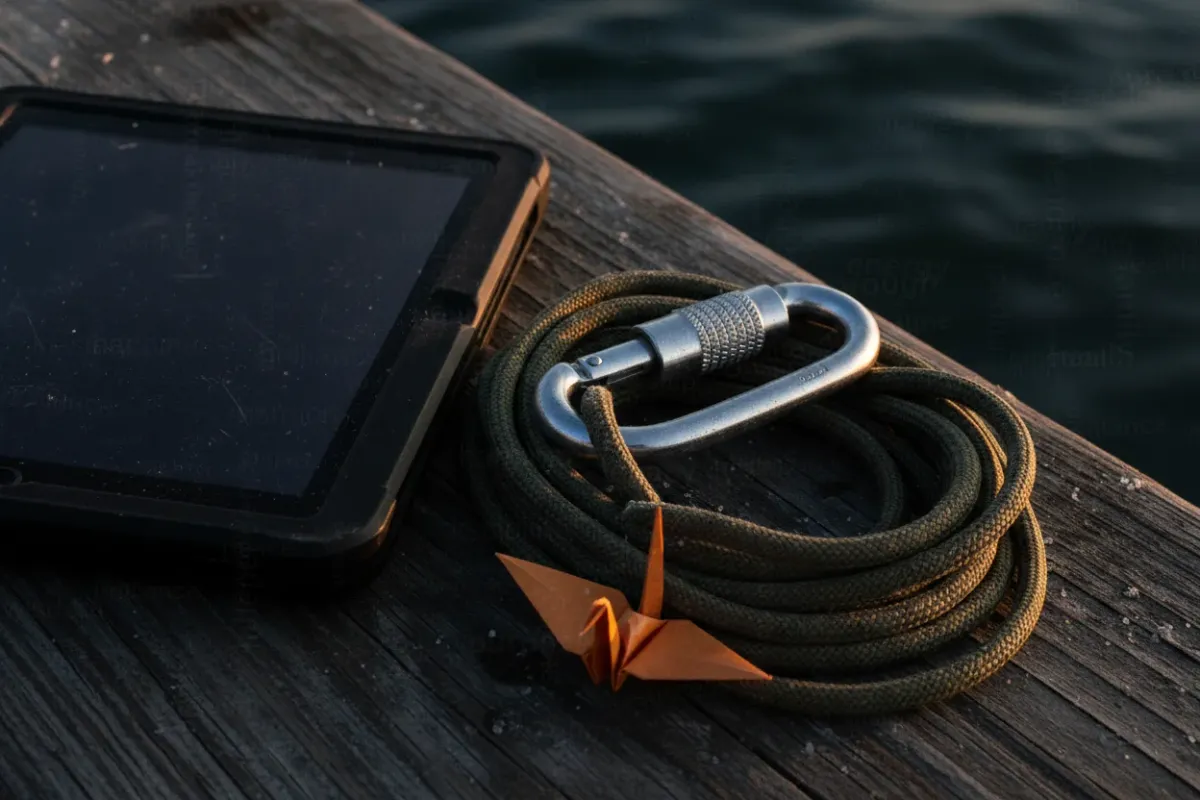
A tablet can die halfway through a 20-hour travel day. That one detail settles more laptop debates than any packing list.
The question comes up constantly on travel forums. A traveler plans six to eight months on the road and wants to leave the laptop at home. The appeal is clear: less weight, less worry, fewer screens. The answer depends on three things: tasks, energy, and replacement cost.
The sources below are real reports from long-term travelers. Some of the advice is dated (netbooks and the iPod touch are gone). The logic behind it still holds.
Start with tasks, not devices
A laptop solves specific problems. List them before deciding.
Most long trips involve these jobs:
- Booking transport and accommodation
- Banking, including two-factor codes
- Photos: storage, backup, light editing
- Long-form writing, such as a blog or visa applications
- Entertainment on rest days
- Paid work, if any
A modern phone handles bookings and banking well. It handles entertainment adequately. It struggles with long writing, bulk photo work, and anything that resembles a job.
Paid work is the clearest line. Splashtop reports that about 28% of employees worldwide worked remotely in 2023, up from 20% in 2020. Some of those people travel. If even a few hours of client work are expected, a phone-only plan fails on day one.
Blogging is the second line. One commenter on A Little Adrift said it bluntly. Traveling without a computer is impossible for someone who runs a blog. Typing 1,500 words on a phone is possible. Doing it every week for eight months is a different story.
Key point: if the task list includes work or regular writing, the laptop question is already answered. The rest of this article is for everyone else.
Energy breaks phone-only plans first
Weight gets the attention. Battery life does the damage.
The most detailed account comes from a Reddit r/solotravel thread on this exact question. One commenter tried long-term travel with a tablet. Power limits showed up quickly.
One travel day included 4 hours by train and 16 hours by plane. Waiting at stations and airports came on top of that. There was no reliable way to charge. The aircraft outlet did not deliver enough power to keep the device alive.
Lower brightness did not help. Even at the lowest setting, the tablet did not last. The commenter switched to an e-reader for reading. E-ink screens draw very little power, so they survive long days.
Accommodation was no better. At one hostel with only 2 outlets, the same person spent 2 days looking for a place to charge a phone. A dorm with two sockets turns charging into a queue.
What the account shows:
- Device count multiplies the charging problem. Phone, tablet, earbuds, and camera all compete for the same sockets.
- A laptop does not fix this. It adds the hungriest device of all.
- The fix is portable energy, not a different screen.
Practical kit for the problem:
- A power bank that holds at least one full phone recharge. Carry it every day.
- A multi-port USB charger, so one socket feeds several devices.
- A short extension cord or plug splitter (useful when the only outlet is far from the bed).
Common mistake: packing power banks in checked luggage. Aviation rules treat spare lithium batteries as carry-on items. Banks up to 100 Wh are generally allowed without airline approval. Larger ones need approval, and some are banned outright. Check the specific airline before each flight.
Cheap beats powerful on a long trip
The second argument against a laptop is cost. The Reddit commenter called a laptop too heavy and too expensive to casually carry around the world. That is fair. A $1,500 machine in a hostel locker is a constant background worry.
Older travel blogs reached a different conclusion: bring a cheap one. On A Little Adrift, one reader called a $300 Dell netbook the best $300 spent that year. The reasoning was replacement cost. Replacing a small, cheap machine in a jam is realistic. Replacing a $1,500 laptop mid-trip is much harder.
Another commenter on the same page described a Dell Mini as under 1 kg and very compact. Two people shared one device for the whole trip. Their plan for the next trip was one device each. That plan suggests sharing had limits.
Adventurous Kate gave similar advice. She recommended a netbook, which she described as a small, cheap, simple laptop. The one she used in Asia retailed for $275.
Netbooks as a category have largely disappeared. The logic survives. Budget laptops, Chromebooks, and tablets with keyboards fill the same slot today. Prices vary by region, so check local listings instead of old figures.
The Reddit commenter found a cheap middle ground. They bought a USB/Bluetooth keyboard for about $20. It is roughly 20 cm wide, close to the tablet's width. The detail that matters: the keyboard is still in service. The tablet is not. Cheap accessories can outlive the device they were bought for.
Rules for picking a travel device:
- Treat it as consumable. If losing it would ruin the trip, it is the wrong device.
- Keep it under about 1 kg. Every gram rides on the shoulders for eight months.
- Never store anything only on the device. Back up photos and documents to the cloud or an external drive.
- Check the charger. A device that charges over USB-C can share the phone's cable and brick.
On rule 3: the A Little Adrift commenter planned to bring an external hard drive next time. It would supplement the netbook's small internal drive. Months of travel photos take more space than most people expect.
Theft and breakage are solvable
Theft and damage are the usual worries. Both have known fixes.
For theft, the sources land on the same tools. The Reddit commenter carried a travel safe bag for the tablet. The A Little Adrift commenter used a Pacsafe and kept the device in a small daypack. Kate advises locking valuables up. When no safe or locker exists, she uses a Pacsafe Portable Safe, which locks to a fixed object.
For breakage, Mondomulia covers what to do when a laptop goes bust on the road. Its core message is simple: traveling with a laptop can pose difficulties. Heat, humidity, dust, and drops add up over months.
The defense works like it does for any production system. Assume the device will fail. Make the failure cheap.
- Cloud sync for documents and passwords
- Automatic photo backup whenever Wi-Fi is available
- Two-factor recovery codes stored somewhere other than the phone
- A note with serial numbers and receipts, for insurance claims
With that in place, losing a device costs a bad day. The trip continues.
The fallback that no longer exists
Twenty years ago, travelers without laptops used internet cafes. Kate describes practically living in them during a semester in Florence in 2004.
Her verdict today: internet cafes are done. Some still exist in Paris and across Europe. Their heyday has passed, and free Wi-Fi is far more common.
That changes the math. Without a cafe fallback, every task runs on personal devices or not at all. Kate has met many travelers who bought netbooks halfway through their trips. They realized internet cafes were not reliable enough.
That pattern answers the regret question honestly. Many travelers do hit the wall. Then they buy something locally. For a six-to-eight-month trip, that is a valid plan. Start light, and buy a cheap device only if the need turns out to be real.
Some travelers go the opposite direction. In one Facebook travel group, a member planned to skip GPS, map, and translation apps entirely. One option on the table was no phone at all, with a Wi-Fi laptop as the only device. Minimal setups take many forms.
Rest days need a screen too
The last argument is softer but real. One Reddit reply recommended the laptop for a single reason: off days. Long trips include days with no energy for sightseeing. Some evenings call for a show before sleep.
A phone can do this. But a week of rest on a phone screen gets old. A tablet is the usual compromise. And it brings back the charging problem described above.
In practice, a simple setup covers most rest days:
- Download shows on Wi-Fi before long transit days
- Read on an e-reader, which lasts for days on one charge
- Watch video on the phone, with the power bank attached
Regret or not: a short checklist
The answer depends on the trip, not the gear. Compare the trip against these conditions.
A laptop is likely needed if:
- Any paid work happens during the trip
- A blog, newsletter, or long applications need regular writing
- Photos are shot in RAW or need serious editing
- The plan includes long stays in rented apartments with desks
Phone-only is likely fine if:
- The tasks are bookings, banking, maps, and messaging
- Photos stay on the phone and sync to the cloud
- The traveler moves often and values a light bag
- Buying a cheap device locally is an acceptable backup plan
Two middle-ground setups cover most remaining cases:
- Phone, e-reader, and a $20 keyboard for occasional writing
- Phone plus a budget laptop that is cheap enough to lose
What to try right now
Try it: run a phone-only week at home before booking anything. For 7 days, do every task on the phone. That includes booking, banking, writing, photo backup, and entertainment. Keep a list of everything that felt painful.
Then simulate the worst day. Charge the phone fully in the morning. Use it normally for 20 hours with no wall outlet, only the power bank. The Reddit commenter's train-plus-flight day lasted about that long.
If both tests pass, leave the laptop at home. If the list of painful tasks fills a page, pack a cheap machine.
Frequently Asked Questions
Is a VPN or eSIM needed to access home services during months of travel?
Neither requires a laptop. Both run on a modern phone, provided the phone supports eSIM. Some banking and streaming services limit access by region, so test them from abroad in the first week.
Is it better to stay a full month in each place or keep moving?
Longer stays change the device math. Kate's reader planned a month in a Paris apartment, where a desk and steady outlets make a laptop easy to use. Frequent moves favor a lighter kit and make charging the main constraint.
Can work productivity survive constant location changes?
Not on a phone alone. Work needs a real keyboard, a stable connection, and a predictable charging spot. If work is part of the plan, bring a laptop and book places with a desk and enough outlets.
Information is accurate as of the publication date. Terms, prices, and regulations may change — verify with relevant professionals.