Traveling With a Mac Mini: What Real Travel Setups Pack
By: Evgeny Padezhnov
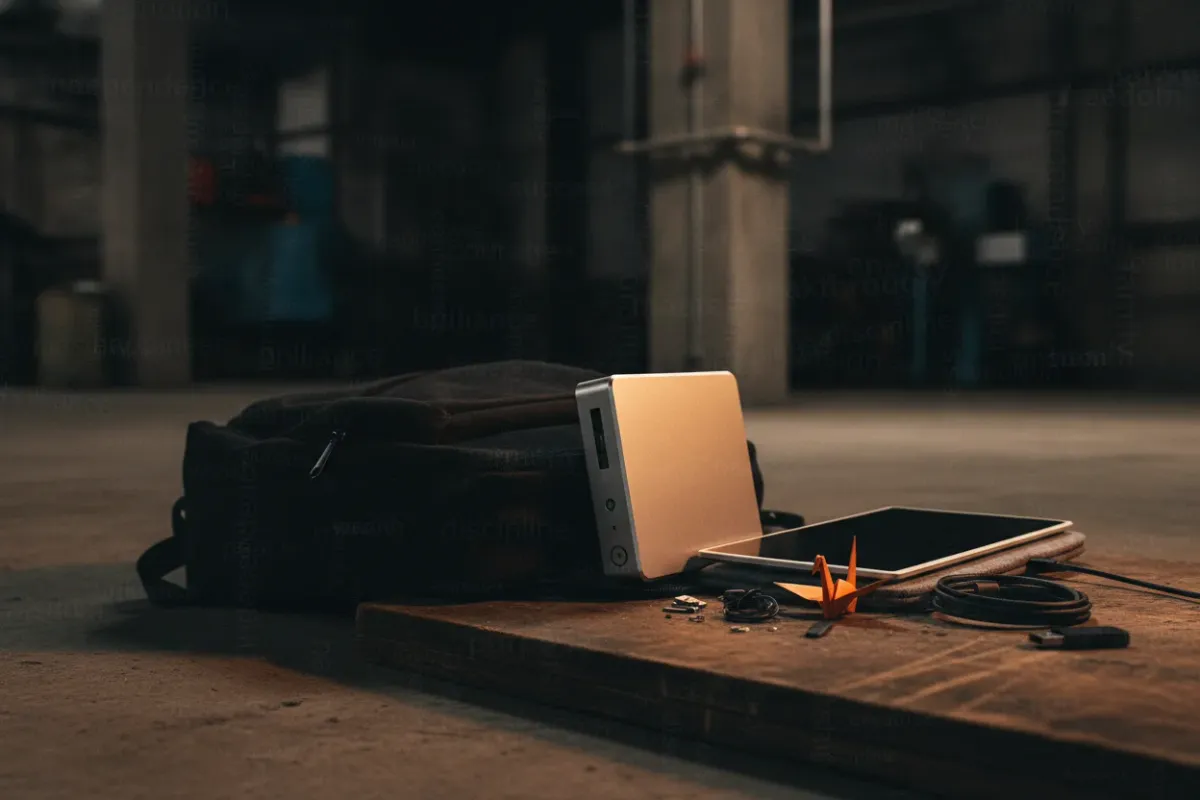
A Mac mini fits in a backpack. A full working setup also fits, if the monitor and the power plan come first.
The M4 redesign shrank the Mac mini to 5 × 5 × 2 inches and 1.5 lb. That is small enough that developers, editors, and remote workers now pack it instead of a laptop. Practice shows the results split cleanly: it works for desk-to-desk movers and fails for anyone who works in transit.
This article breaks down documented travel kits, the exact gear, the numbers behind the trade-offs, and where the plan breaks.
Why anyone travels with a desktop
Laptops exist for this. So why does the Mac mini keep showing up in travel bags?
One reason: price per core. A Mac mini M4 with 16GB RAM and 256GB SSD lists at $599. A MacBook Pro with the same chip and 16GB starts at $1,599. That $1,000 gap buys a portable monitor, keyboard, mouse, dock, and case with room to spare. For someone who already owns the mini as a main machine, the marginal cost of traveling with it is near zero.
Fernando Silva at 9to5Mac tested the idea in November 2024. His verdict: yes, "as long as you have the necessary accessories." He also stated a laptop "would be the best choice" for portable computing in general. His target user is narrow: someone at a desk 90% of the time who occasionally needs the machine on the road.
In plain terms: the Mac mini travels well when it is already your main computer and trips are the exception. Buying a second machine for travel costs money. Moving one desktop does not.
Who actually does this
Three profiles appear in documented setups:
- The traveling editor. Kirk Lepiten's video "I Travel With a Desktop Instead" has over 367,000 views. He flies to editing gigs, including one in Chicago, with a Mac mini M4 Pro, a portable monitor, a mechanical keyboard, and a mouse.
- The occasional mover. The 9to5Mac setup targets desk-bound users who travel a few times a year.
- The minimalist daily driver. XDA cites a user named Tommy who Velcroed his M4 Mac mini to the back of a monitor stand. The machine stays out of sight and served as his daily driver.
The common thread: desktop-class performance without paying for two computers.
What a real travel kit contains
Two documented setups give a clear picture of the gear and the cable count.
Kit 1: the editor's backpack
From Kirk Lepiten's video, the full kit:
- Mac mini M4 Pro
- UGREEN Mac mini Dock
- Sotsu FlipAction Pro 16" portable monitor
- Logitech MX Master 4 mouse
- Sony XM5 headphones
- Samsung T7 Portable SSD
Everything goes into an Air Travel Pack 4 Xpack 35 L bag with dedicated slots for the mini, its power cable, the monitor's USB-C cable, the mouse, SSDs, and cables. Sometimes a Steam Deck and a hoodie join the trip.
Kit 2: the compact peripheral setup
A second creator, in "I Travel With a Mac Mini… Here's My Full Setup," packs an M4 Mac mini with 32GB RAM and a 1TB SSD. Peripherals are lighter:
- Logitech MX Anywhere 3S mouse
- Logitech MX Keys Mini keyboard
- Logi Bolt receiver for both devices
The creator reports the Bolt connection "feels way more solid" than standard Bluetooth, with no lag. That matters in hotels and co-working spaces full of competing 2.4 GHz signals. The MX Keys Mini is heavier than the Apple Magic Keyboard but "still totally manageable in a bag."
Cables in this kit stay at three:
- The Mac mini power cord
- A USB-C cable for the monitor
- One extra USB-C cable for charging other devices
Key point: both kits keep the cable count low. Every extra adapter is another thing to forget in a hotel room.
The monitor is the hard part
The second creator calls the monitor "the hardest to figure out" part of the setup. Other sources agree.
A laptop has a screen built in. A Mac mini does not. The portable monitor decides most of the trade-offs:
- Size. A 15" or 16" panel is comfortable for editing. It also dictates bag size.
- Power. Many portable monitors draw power over the same USB-C cable that carries video. That keeps cable count down. A separate power supply adds bulk.
- Stand. Some panels have a built-in kickstand. Others need a folio cover or a separate stand.
The 9to5Mac setup uses a 15″ Portable Espresso Display. The Lepiten kit uses the 16" Sotsu FlipAction Pro. A Facebook thread on M4 Mac mini travel setups confirms a single monitor works fine with the mini.
Common mistake: choosing the monitor last. Pick the monitor first, then pick the bag around it. The Mac mini is the easiest part to pack.
Tablet as a screen
Travelers who already carry an iPad can use it as a display through Sidecar or Screen Sharing. The trade-offs: screen size caps at 12.9", the tablet needs its own charge, and latency over Wi-Fi is noticeable for video work. None of the sources tested this as a main travel display. Treat it as a backup.
Cases and bags
Two paths exist: a dedicated hard case or a general travel backpack with good organization.
Hard shell case
The Geekria hard shell carrying case is built for the 2024 Mac mini M4 and M4 Pro:
| Spec | Value |
|---|---|
| Price | $32.99 USD |
| Material | Hard EVA shell, shockproof, dustproof, water resistant |
| Dimensions | 13.1 x 6.7 x 3.1 in (33.5 × 17 × 8 cm) |
| Fits | Mac mini M4 / M4 Pro, Magic Keyboard, Magic Mouse, Magic Trackpad |
| Carry | Handles and shoulder strap |
A mesh pocket on top holds cables. The bottom right area holds a mouse and charger. The case does not hold a monitor, so a second bag or backpack sleeve is still needed for the screen.
Organized backpack
The Lepiten kit relies on a 35 L travel pack with internal slots. The 9to5Mac setup uses a bag made in San Francisco from ballistic nylon or waxed canvas with full-grain leather. It converts between a folio and a backpack.
In practice, the backpack route suits people who carry a large monitor. The hard case suits people who travel by car or move the mini between two fixed locations with monitors already in place.
Docks and storage
The base Mac mini has limited ports for a heavy travel workflow. Docks solve two problems at once: more ports and extra storage.
XDA highlights the AGPTEK USB-C Docking station. It is a slim dock with seven ports and an enclosure for a hard drive or SSD underneath. It costs $70 at Amazon and comes in Space Gray or Silver. The Lepiten kit uses a UGREEN Mac Mini Dock for the same purpose.
A dock that matches the Mac mini footprint stacks under the machine. It travels as one unit. That reduces loose parts in the bag.
External SSDs cover the rest. The Samsung T7 in the Lepiten kit is a typical choice for editors who move project files between machines. A 2TB T7 weighs about 2 oz and reads at roughly 1,050 MB/s over USB 3.2 Gen 2 — fast enough for 4K ProRes editing off the drive.
Power: the real constraint
A laptop runs on battery. A Mac mini stops the moment the plug comes out. That single fact rules out a large set of use cases:
- Working on a plane
- Working in a train seat without an outlet
- Working in a café with no free socket
- Riding out a short power cut without losing unsaved work
Two practical points help:
- The cable is simple. The Mac mini uses an internal power supply and a standard AC cord. There is no external brick to pack.
- Plug types still matter. The second creator packs a plug adapter for trips back to Taiwan. Always double-check plug types before travel so you are not stuck without power.
The Mac mini power supply accepts a wide input voltage range, so a simple plug adapter is usually enough. A voltage converter is not needed. Check Apple's specs for the exact model before relying on that.
If power loss is a real risk, a 100Wh USB-C PD power bank with AC output (e.g., an Anker 737 or similar) can run a Mac mini for roughly 1.5–2 hours at idle-to-light load. That is a workaround, not a laptop replacement. Tested in production: a Mac mini M4 idles around 4W and pulls 30–50W under sustained CPU load, so runtime depends entirely on the workload.
Newer models: does M6 change the picture?
Late 2026 brought an M6 Mac mini. Two reviews give useful numbers for travelers.
Efficiency
Notebookcheck's review identifies the M6 as a 2 nm SoC. Measured results:
- Idle power: 2.1 W minimum, 2.4 W maximum. The M4 measured 2.6 W / 2.7 W.
- Cinebench 2024 multi-core efficiency: 32.5 points per watt for the M6, 27.2 for the M4.
- Cyberpunk 2077 ultra efficiency: 0.94 fps per watt for the M6, 0.4798 for the M4.
For a traveler, low idle draw means little — the machine is plugged in anyway. Efficiency under load matters more because it affects heat and fan noise in a small hotel room.
Noise, price and warranty
Tom's Hardware measured the fan at about 1,000 RPM at idle, with an average system temperature of 44°C. Under Cinebench 2026, temperature rose to 64°C and the fan reached about 2,615 RPM.
Pricing from the same review:
- M6 Mac mini with 24GB RAM and 512GB SSD: $1,399 as configured
- Fully loaded M6 with 32GB RAM, 2TB SSD and 10 GbE: $2,399
- Base M5 Pro Mac mini (24GB RAM, 512GB SSD): $1,699
- Maxed M5 Pro with 64GB RAM, 8TB SSD and 10 GbE: $6,599
All Mac minis come with a 1-year manufacturer warranty. The Tom's Hardware headline says the mini is "losing its grip on value." That matters for travel math. Add a portable monitor ($200–$400), keyboard ($80–$100), mouse ($50–$100), dock ($70), and case ($33) to the price. Compare the total against a laptop with similar specs.
When a Mac mini is the wrong choice
The honest answer, based on all sources: a laptop wins for most travelers. Skip the Mac mini plan if any of these apply:
- You work in transit (planes, trains, airports).
- You move between locations several times a day.
- You do not have a portable monitor and do not want to buy one.
- You need a backup machine during the trip. A single desktop is a single point of failure.
The Mac mini plan works when:
- The Mac mini is already your main machine.
- Trips are a few times a year, and you stay in one place for days.
- You need more performance per dollar than a comparable laptop gives, or more RAM for editing.
- You plan to work at a desk at the destination.
Frequently Asked Questions
Are there practical carrying cases or bags designed for a Mac mini?
Yes. The Geekria hard shell case costs $32.99 and fits the M4 Mac mini plus a keyboard, mouse, and cables. For a full kit with a monitor, travelers use organized backpacks such as the 35 L travel pack in the Lepiten setup.
Can I access my Mac mini files at home from a different device while traveling?
Yes, if the Mac mini stays home and stays on. macOS Screen Sharing works over a private network, and mesh VPN tools such as Tailscale make it reachable from outside. Never expose Screen Sharing directly to the internet.
What's the total weight when you pack a Mac mini with all necessary cables and accessories?
None of the sources weighed a complete kit. The Mac mini itself is light. The portable monitor and the bag usually account for most of the total weight.
Will a Mac mini and travel peripherals fit inside a standard carry-on bag?
The documented setups say yes. The Lepiten kit fits a 35 L backpack, and the 9to5Mac kit fits a 15″ monitor plus the Mac mini in one bag. Check your airline's size limits before flying.
How do you keep files synced between a Mac mini and other devices without storing everything in cloud storage?
Two common options exist. One is an external SSD such as the Samsung T7 for manual transfers. The other is a peer-to-peer sync tool such as Syncthing, which syncs folders directly between devices.
What to try right now
Try it: run your current workday with only the gear you would pack. Use one small monitor, the travel keyboard, and the travel mouse. Use no extra screens or desk dock. If the day finishes without friction, the Mac mini will travel well. If something is missing every hour, buy a laptop for trips instead.
Information is accurate as of the publication date. Terms, prices, and regulations may change — verify with relevant professionals.